
When you return from your trip, you must submit a travel expense report with the required documentation, receipts, cost object(s), and trip purpose. The report must be submitted in Concur within 60 days of your return. The purpose of the report is to request reimbursement for out-of-pocket expenses and to reconcile charges made on the MIT Travel Card.
When to submit a travel report vs an RFP
Most travel should be submitted using Concur. However, there are a handful of situations where you may also use the RFP system:
- Local trips in the Cambridge and Greater Boston area
Ride sharing services and taxis should use the g/l account 421600 — Trucking and Automotive
- Local parking
- Entertainment involving local travel
For example, rentals and transportation for events like bowling, escape rooms, and non-overnight retreats
A slightly more detailed list of what’s allowed on a travel card vs what isn’t can be found here: Choosing the right purchasing method
Concur Accounts
All MIT employees and graduate students have access to a personal Concur account whether or not they have a MIT travel card. Departmental (aka Group or Guest) cards have a Concur account as well, but this account is not tied to a specific traveler.
- Individual Concur account trip reports will have expenses reimbursed by direct deposit to the traveler’s bank account on file.
- Departmental Concur account trip reports will need to specify the traveler for each report, and will reimburse by check unless otherwise specified in the report header.
Charges to MIT Travel cards cannot be moved between profiles. For example, if a faculty assistant books a conference registration for a faculty member on a Department card, but the faculty member uses their individual Travel card to buy meals while traveling, then separate Trip Reports will be required from each account. For this reason, it is not recommended to use Departmental cards to pay travel expenses for people who also hold an individual card.
The difference in the Report Headers for an individual account and a departmental account are below. On the Departmental account, the Trip Report header includes fields for the Guest’s Traveler type, Name, Address, City, Country, and postal code.

Individual Report Header

Departmental Report Header
Reimbursing Someone Outside of the MIT Community
If you submit a travel expense report to reimburse a guest or visitor for travel expenses, the visitor will be reimbursed by check. Follow these steps:
- If you have a guest profile in Concur, ensure you are using that profile before starting the report. If you do not have a guest profile, reach out to VPF Travel and Card Services. Unlike employee reimbursements which are directly deposited into an employee’s bank account, all expense reports created in guest profiles generate checks.
- Enter the visitor’s legal name in the guest name field. Note: while it is important to use appropriate foreign characters (such as é or ñ) in personal correspondence, MIT’s financial systems do not accommodate these characters.
- If you want the check mailed directly to your guest, fill in the guest’s mailing address in the guest address fields. If you would like to mail the guest's travel expense check from your department (e.g., to mail with other correspondence) enter 77 Massachusetts Avenue, Cambridge, MA 02139 and your department’s building and room number.
- Enter expenses and attach receipts as normal, then submit the expense report.
The travel report approval process
Travel reports are first reviewed by the travel office before they are routed to their respective departments for approval. Here’s a helpful chart that breaks this down:

- You, as the traveler, or the faculty assistant submitting on your behalf as the delegate, or as the cardholder of a departmental (group) travel card, completes and submits the travel report
- Concur Detect automatically detects if there are easily identifiable issues with the report
- The report is reviewed by the Travel office
- If your travel report shows a status of “In Accounting Review”, it is not yet with Physics and you should direct questions to travelsupport@mit.edu.
- The report is reviewed by Physics
- The report may route to other DLCs if accounts from other DLCs were used
- The report, approved by both Physics, other relevant DLCs (if any), and the travel office, is then processed for payment
Travel on sponsored accounts
Not all sponsors allow for travel on their projects. Some do not allow international travel, and some only allow travel if prior approval has been received. If traveling on a sponsored project, review your sponsor’s terms to make sure all required approval is received before the trip—otherwise, MIT may not be able to cover the cost of these expenses.
General travel report guidelines
For reports with more than one traveler
When completing a travel report for any transaction posting to a Physics account, be sure to include in the main comment field:
- The full names of all travelers. If the purchase was placed on your card, but you didn’t travel, it is very difficult to verify all of the people (even if it was just one person) who was traveling.
- The full name of the all travelers who have been referenced in any included correspondence with a nickname. Physics finance has no way of knowing the full name of a traveler if they are only referenced by a nickname, especially if their nickname or preferred name is very different from what they are officially known as in MITs systems.
- This can be recorded as, “Hu Tao also goes by Sarah Tao,” or “Sarah Tao is is the preferred name of Hu Tao.”
- The accounts each traveler is intending to spend on, if there is more than one traveler and more than one cost object used. Limitations of the Concur system make it difficult to track who is spending on which account.
- This can be recorded as, “Mandy Smith, 6967446; Charles Johnson, 6935412 and 6954274.”\
Other common issues
- Gas can only be claimed if there has been a car rental associated with the trip or if you used an MIT owned vehicle. For a personal vehicle, choose expense type: “Personal Mileage Car,” which will calculate the amount owed to you by the miles you drove for your trip.
- All international visitors (excluding Canada) should be paid via wire. Learn how to submit wire details in a travel report.
- Questions regarding how to properly submit per diem travel reports can be found here.
Most Common Send-Back Issues
- Missing receipts or missing itemized receipts
- Business/first class airfare or upgrade fees not itemized
- Charging foreign airline ticket expenses to a sponsored account
- Personal travel or detours from the original destination
- Missing comments on miscellaneous expenses (e.g., other fees, materials, incidentals)
- Alcohol not itemized
- Meals on hotel bill without confirmation that no alcohol is included in the expense
- Confusing the Business Meeting/Meal vs. Meal expense type
- Car/travel insurance added
- Benefit of Project missing from the Report Header
- Gasoline expenses for personal vehicle travel (expense as personal car mileage instead)
How to use Concur
For detailed instructions on how to use Concur, see the following guides and resources provided by the travel office:
- The Concur Guide for Submitters (PDF)
- The Concur Quick Guide (PDF)
VPF also maintains more robust explanations for institute-wide travel polices on their websites, such as:
- Guides to paying for and booking your trip
- Details on what is reimbursable
- Guides on how to submit mileage when using your car on MIT business
- And much more!
Trainings
Travel Policies for the Traveler This course is designed for all travelers and their delegates to ensure compliance with Institute and federal policies related to business travel on behalf of MIT. Topics include travel booking, air travel, car rental, using the MIT Travel Card, expense reports, traveler checklists, and other resources. Click here for course
Travel Policies for the Approver This course is designed for anyone who approves travel expense reports to help ensure compliance with Institute and sponsor policies related to business travel on behalf of MIT. Topics include expense report workflow, reviewing expense reports, air travel policies, an approver checklist, and additional resources. Click here for course
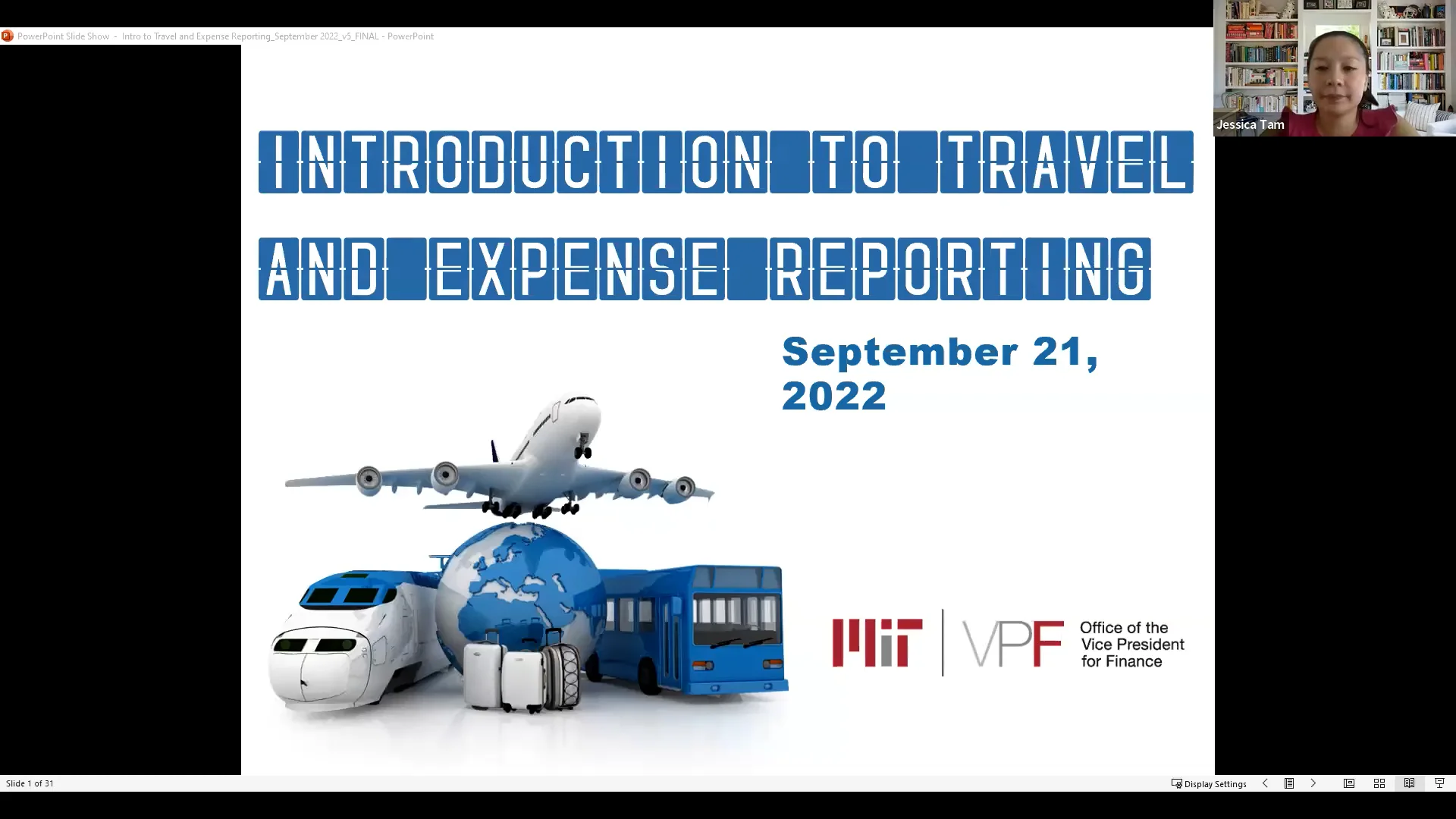
Introductory training video
Introduction to Travel and Expense Reporting is designed for those who travel on Institute business and prepare expense reports, or those who make travel arrangements and prepare expense reports on behalf of someone else. It includes information about MIT’s Preferred travel agency, airline, car rental companies, and hotels.
The video provides an overview of the MIT’s Travel Policy, and an overview of Concur, MIT's online travel booking and expense reporting system.

Timestamps:
- 6:27 ~ 8:24 — Travel overview
- 8:24 ~ 15:50 — Concur booking guidelines
- 15:51 ~ 37:32 — Concur expense guidelines and demo (using Concur to expense your trip)
- 37:33 ~ END — Additional resources and questions
Questions and assistance
All questions regarding how to complete a travel report, outside of questions regarding the DMSE-specific details noted above, should be directed to the travel office.
VPF hosts weekly drop-in sessions to help you with your travel expense reports on Wednesdays 10–11 am in NE49-3000. They can also be contacted at travelsupport@mit.edu, or by phone at (617) 253 - 8366.
For more information see this website
 Powered by